01
Project Workspace
Import an IPA or extracted .app folder into its own workspace, then edit the app name, Bundle ID, icon, and resources in place.
ESign is a clean, practical iOS self-signing tool for IPA signing, certificate management, plugin injection, resource edits, and app installation. Built for personal development, testing, and everyday self-signing.
ESign
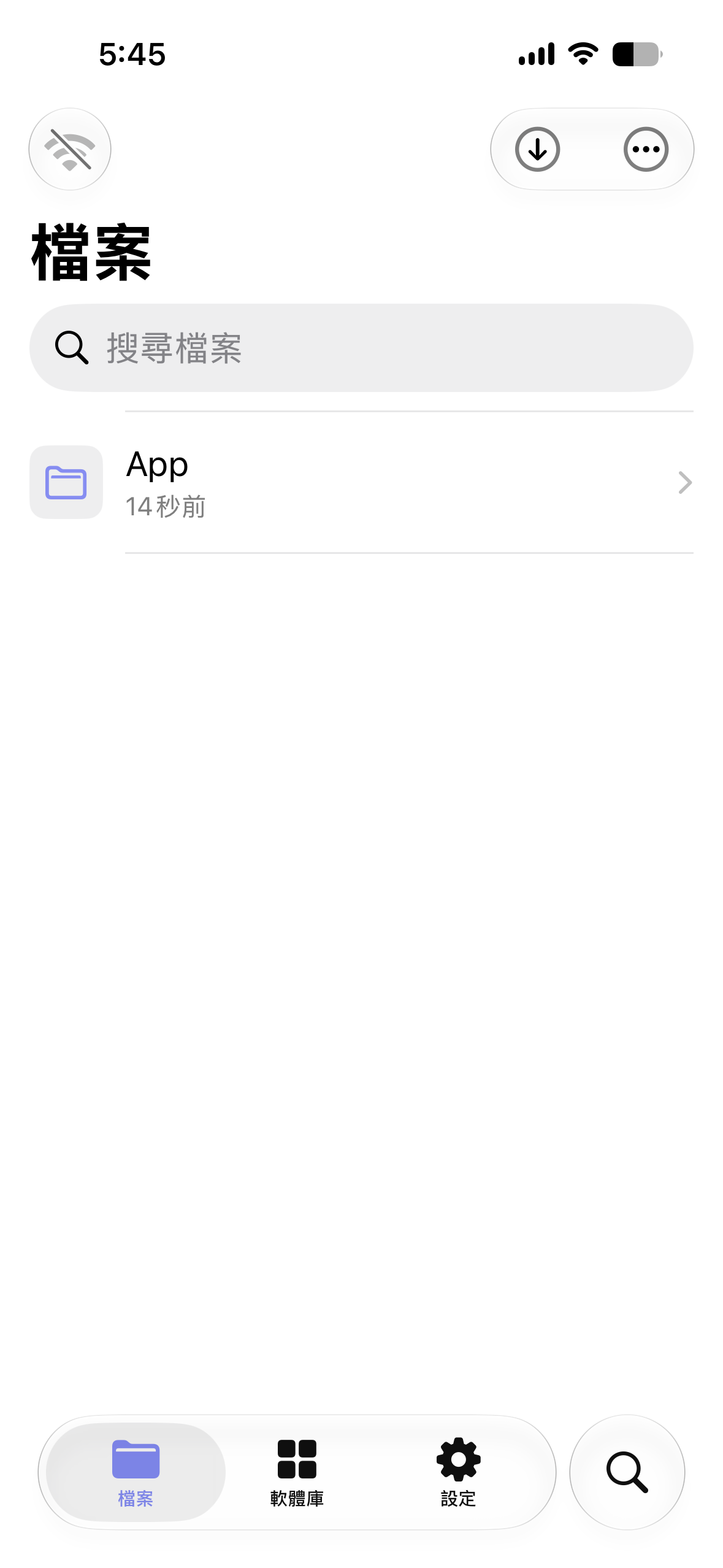
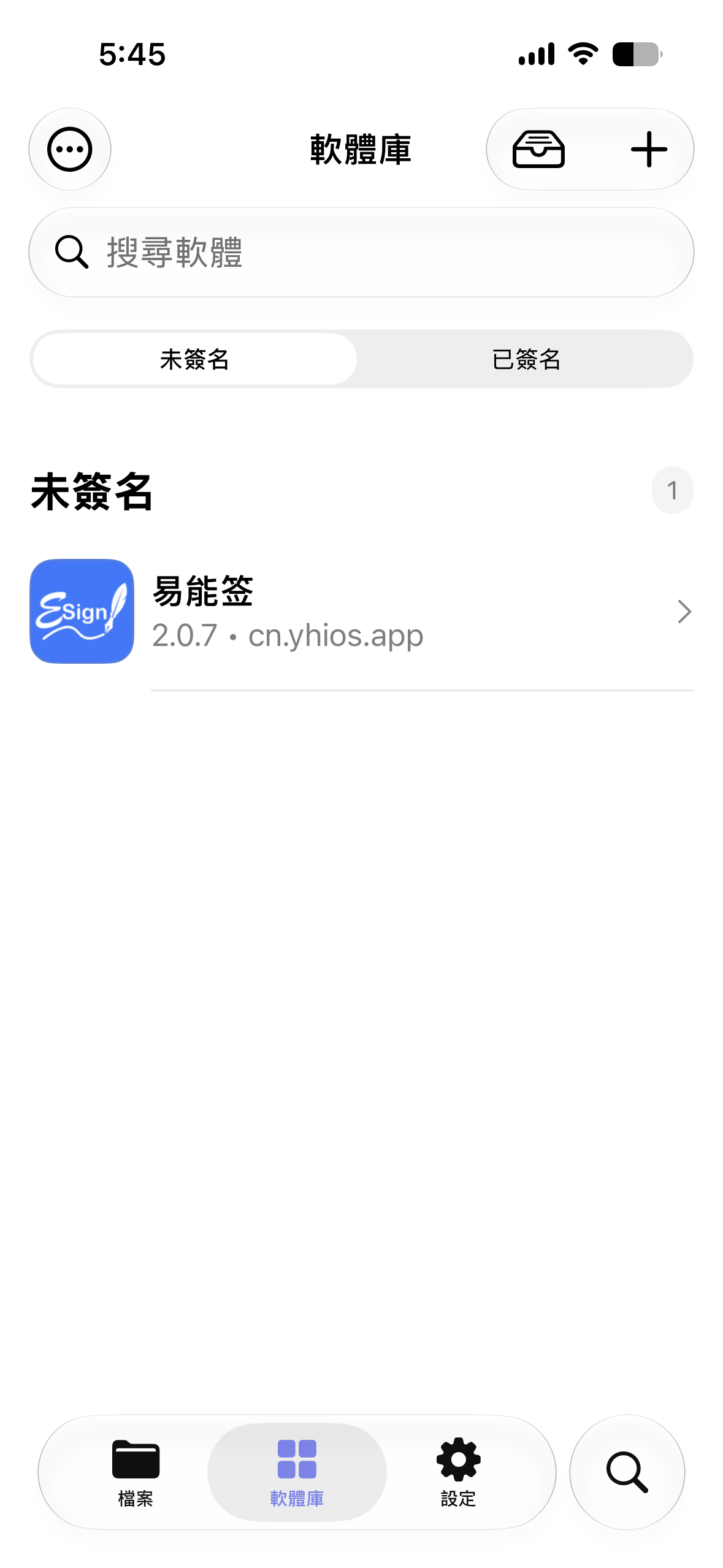
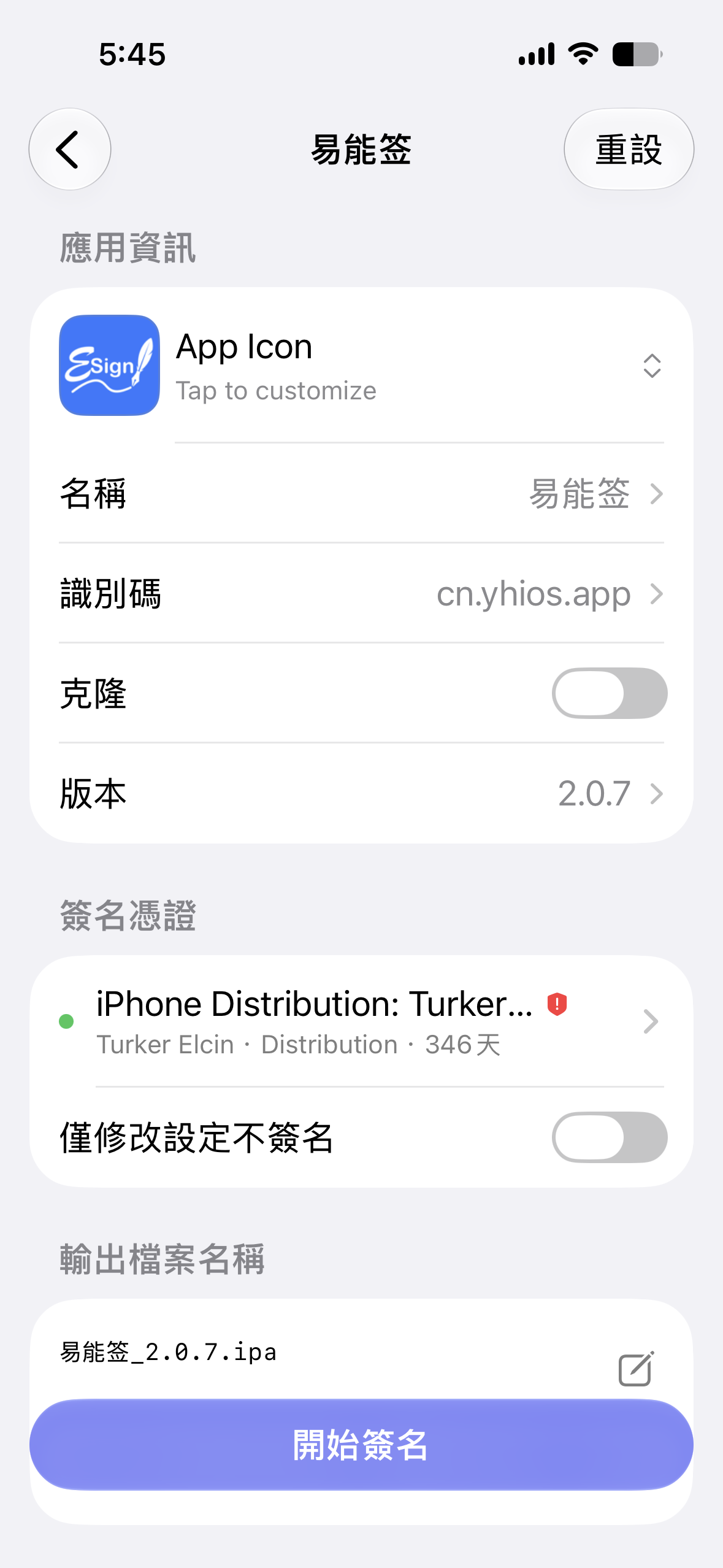
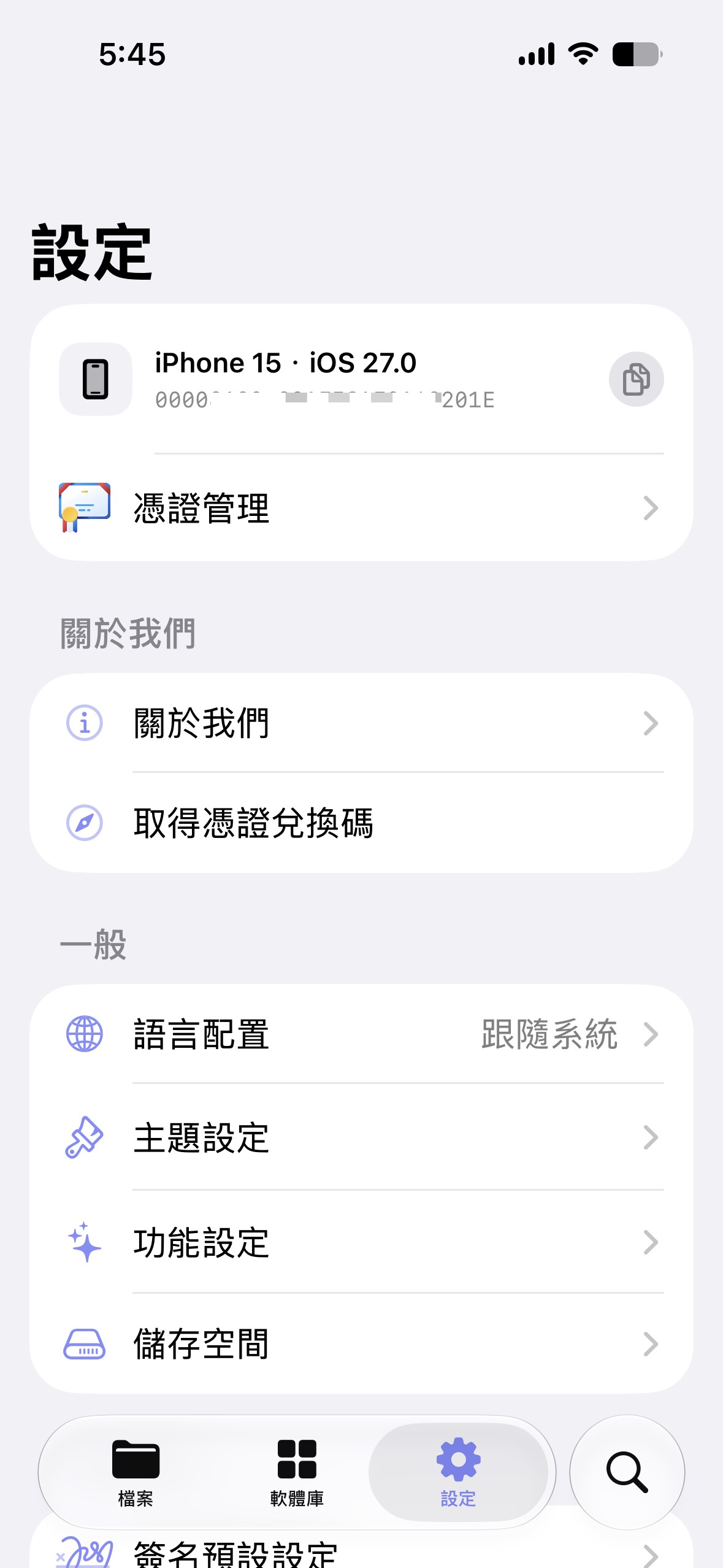
Clean and intuitive UI makes signing effortless
Swipe to see more
Workflow
A complete on-device flow for IPA projects, certificates, files, transfer, and installation without jumping between tools.
Import an IPA or extracted .app folder into its own workspace, then edit the app name, Bundle ID, icon, and resources in place.
Queue, package, sign, and install in one flow, or run only the steps you need, such as re-signing an IPA or installing a build.
Long-running jobs can continue in a queue, with progress visible through Dynamic Island and Live Activities.
Manage P12 files and provisioning profiles together, match metadata automatically, and inspect expiry, Team, UID, and revocation status.
Browse comfortably with copy, move, archive, extract, search, Hex preview, and Plist editing built in.
Start a local web upload and download site, then access app folders from any browser on the same Wi-Fi network.
Use the app in Simplified Chinese, Traditional Chinese, English, or Vietnamese for a smoother cross-region experience.
One-tap update
When a new version is available, update inside ESign. Your data and configuration stay exactly where they are, and the app restarts automatically when the upgrade finishes.
78%
Updating ESign
Workspaces, certificates, sources, and preferences remain intact
Fetch the update package and validate integrity automatically
The upgrade continues inside the app without extra steps
ESign reopens on the updated version when complete
Pick the version that suits you best
ESign Resource Drive
A dedicated drive for unsigned iOS IPA source packages
A certificate-based install plan for users who want a simple ESign setup, broad IPA deployment support, and reliable signing resources outside traditional app stores.
Software Version
Checking current signable version








From the blog
Practical notes for installation, signing, device setup, and daily ESign use.
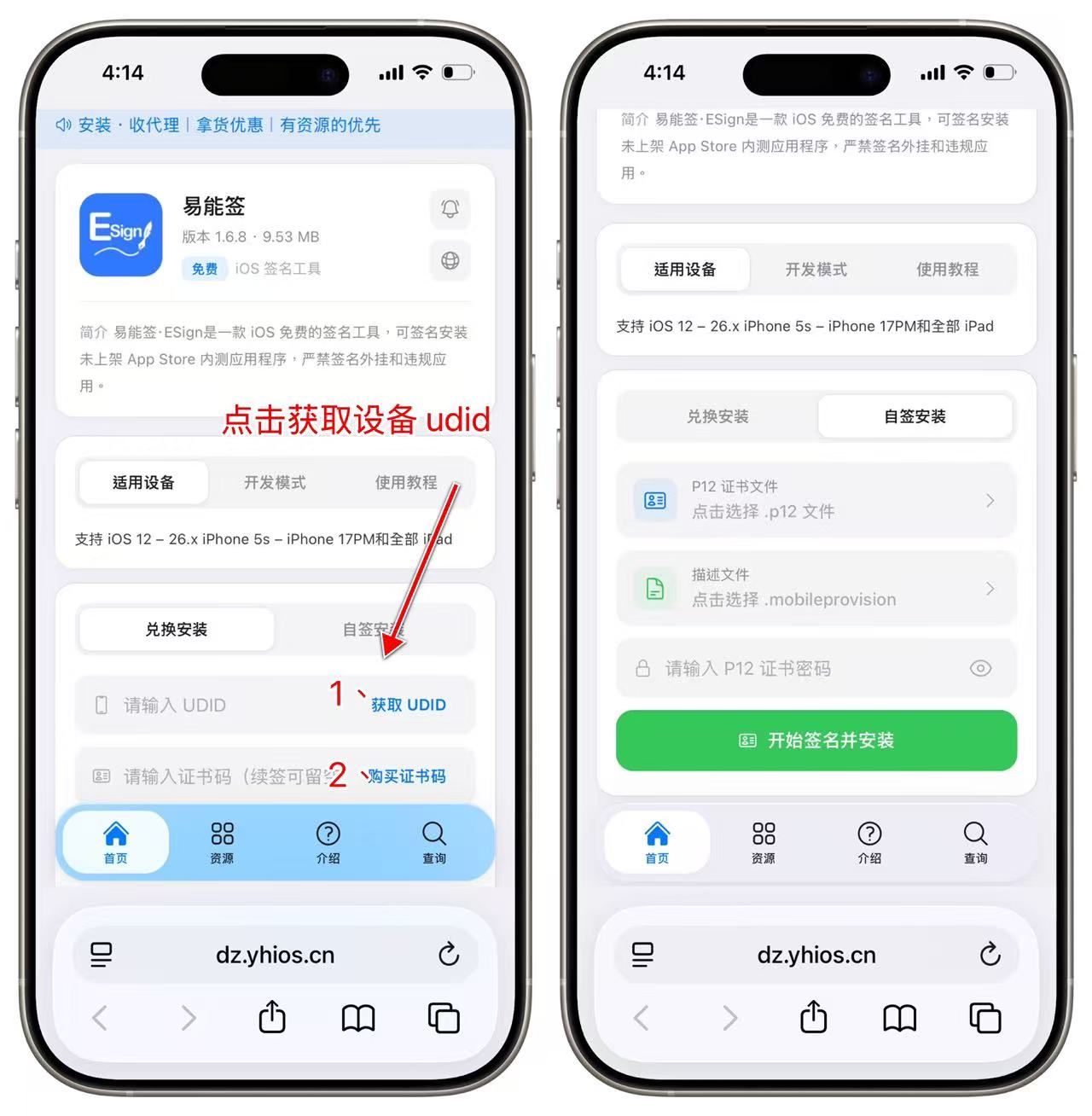 Getting Started
Step-by-step guide to install ESign on iPhone/iPad. Set up in 5 minutes with P12 certificate import and IPA signing. Works on iOS 16/17/18 and later.
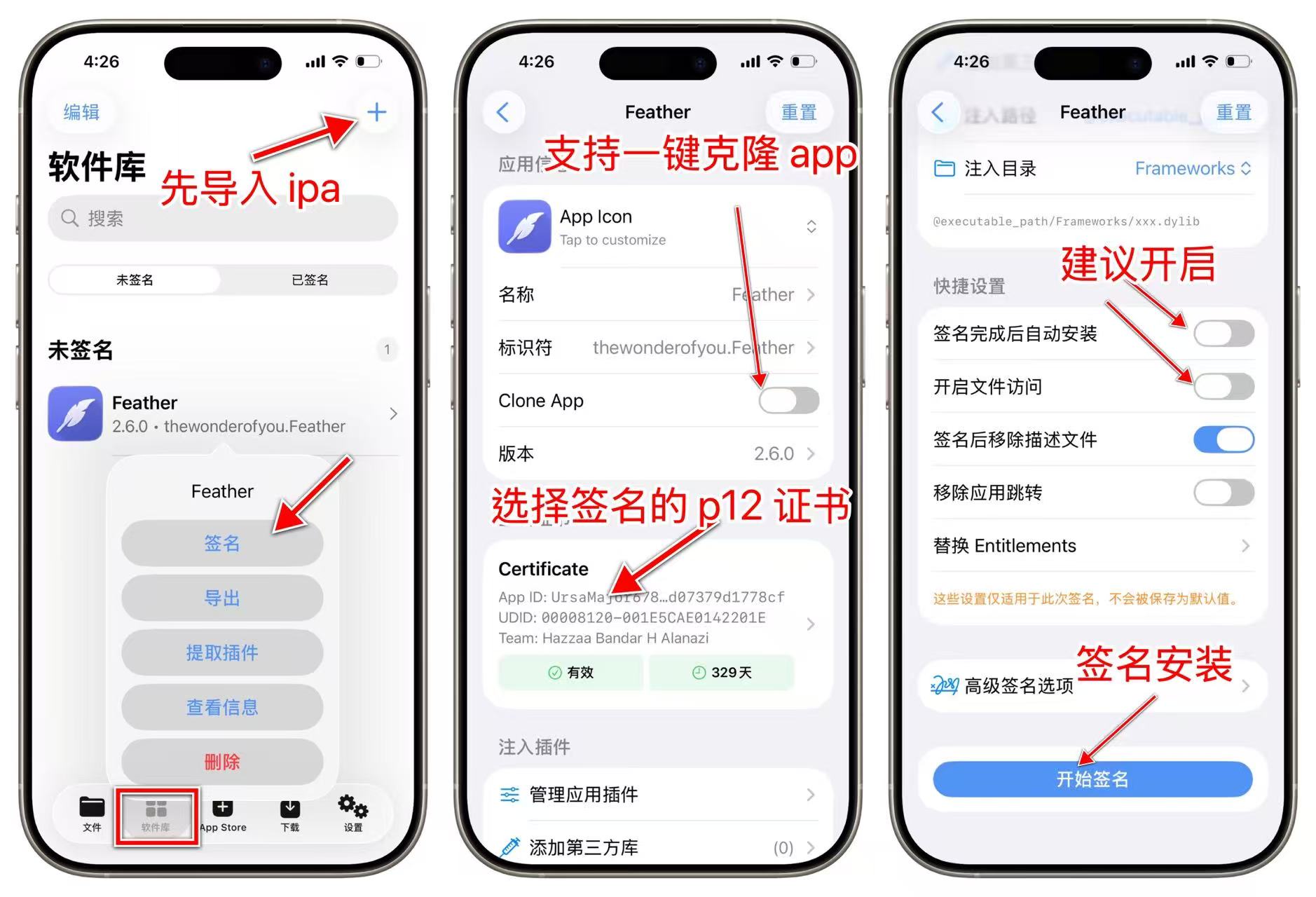
Learn how to run multiple instances of the same app on iPhone using ESign. Clone WhatsApp, Telegram, games, and more by modifying Bundle ID. No jailbreak required.
7 min readSolve common ESign problems including signing failures, app crashes, revoked certificates, and installation errors. Step-by-step fixes with data migration tips.
5 min read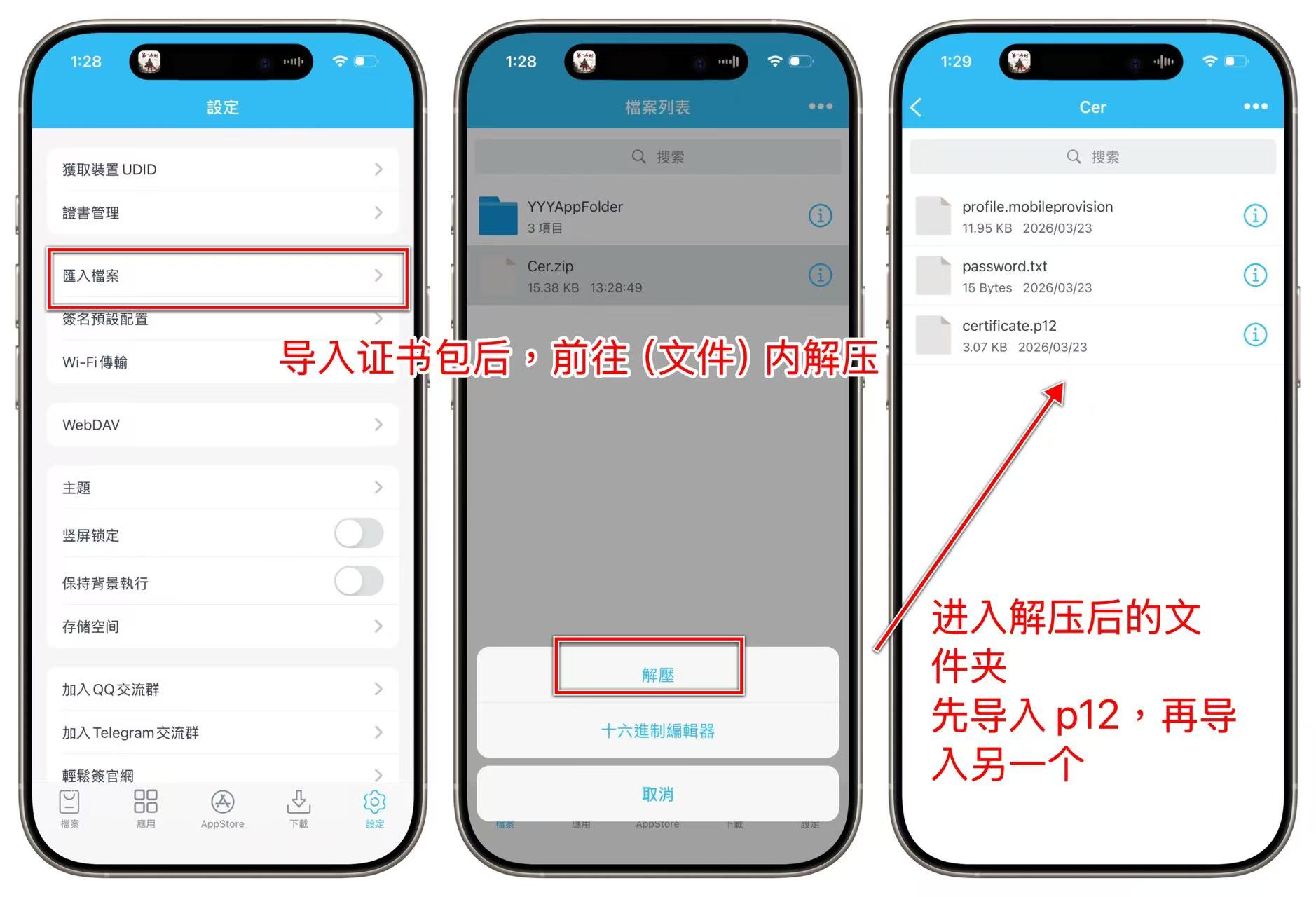
ESign Lite (轻松签) is a free IPA signing tool for iOS. Sign and install apps directly on your iPhone without a computer. Complete setup and usage guide.
This document provides developers with instructions on how to invoke ESign via web browsers or third-party apps for automated operations, including the latest software source encryption scheme.
Can't find an answer? Ask in our community
Working with trusted partners to provide stable certificates and services

Want to become a partner?
Apply to Join